
Substance 3D Painter Projects
Vertexix opens Substance 3D Painter project files (.spp) in every edition, the same
way as any other model: File > Load... (Ctrl+O by
default), the Load Mesh button, the Recent list, or a drop onto the window.
The open dialog lists .spp among its 3D models. You get the model, one material per texture set,
each texture set's channels as Painter last saved them — its layer stack worked out by Painter, fill
layers and all — and each texture set's baked ambient occlusion and normal map. The layers themselves do
not come in as layers.
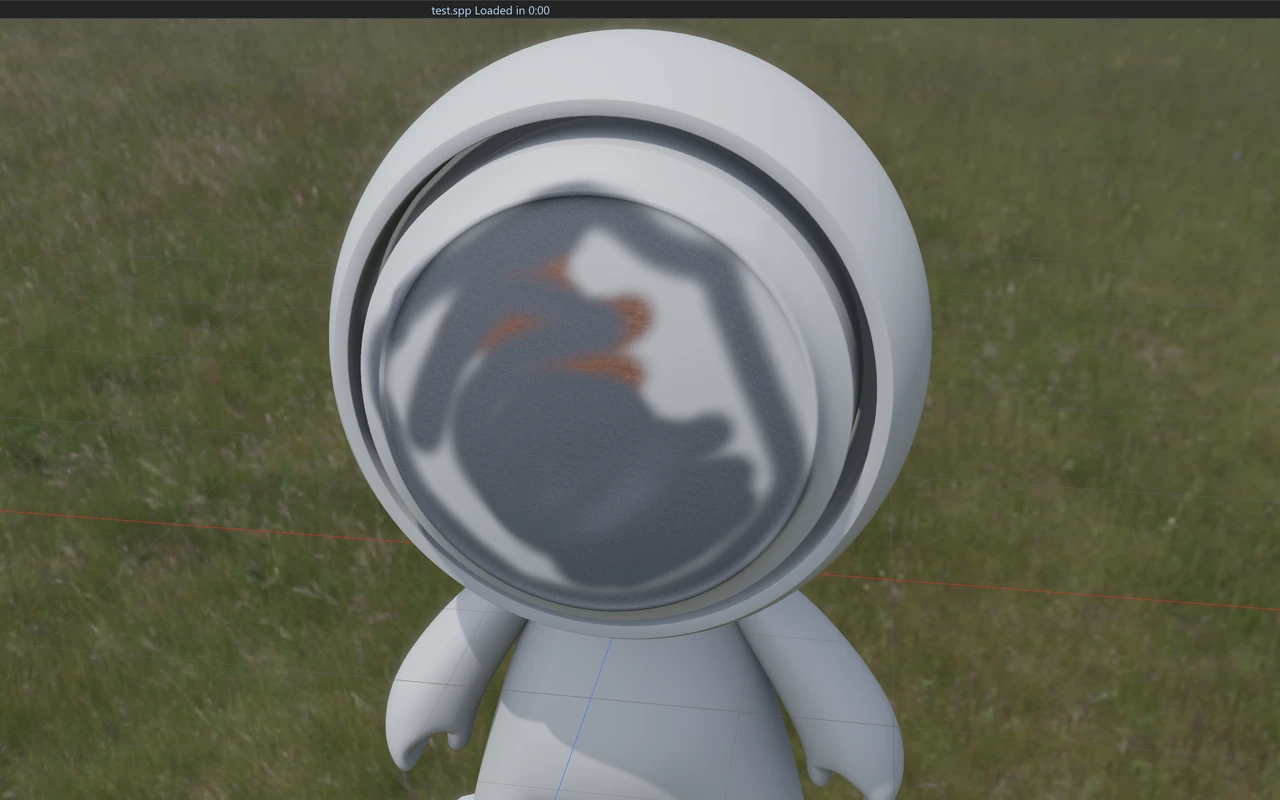
What comes in
- Every mesh in the project, with its normals and its first UV set. The mesh arrives as triangles, which is how the project stores it.
- One material per texture set, named as the texture set is named in Painter.
- Each texture set's channels, as that material's textures: base colour, roughness,
metallic, normal and height, and opacity, emission and ambient occlusion where the cache holds them. They
come from the project's texture cache, at the size it stores them, each named after its texture set and its
channel (
…_base_color,…_roughnessand so on). - Each texture set's baked ambient occlusion and normal map — the two baked mesh maps Painter draws on the model under the channels. The baked occlusion multiplies a painted ambient occlusion channel, or becomes the material's occlusion map where none was painted. The baked normal map (the detail from a high-poly bake) is combined with a painted normal channel, or becomes the normal map where none was painted. A texture set that was never baked has only a small flat placeholder normal in the project, and that is left out, since it changes nothing.
The texture cache holds each channel as Painter's layer stack left it when the project was last saved — paint, fill layers (a fill of one of Painter's Substance materials comes in with its pattern, weave and all), everything above and below them — together with how much of each texel the stack covered. Vertexix lays that over Painter's defaults, so a stroke's soft edge fades into the surface around it as it does in Painter. Where no layer covered a texel a channel shows those defaults: a light grey base colour, roughness 0.5, not metallic and no height, with the baked normal map and occlusion where the texture set has them.
A texture set with nothing painted at all — its layer stack in Painter is one empty layer — comes in as Painter's default material with its baked maps, which is how Painter itself shows it.
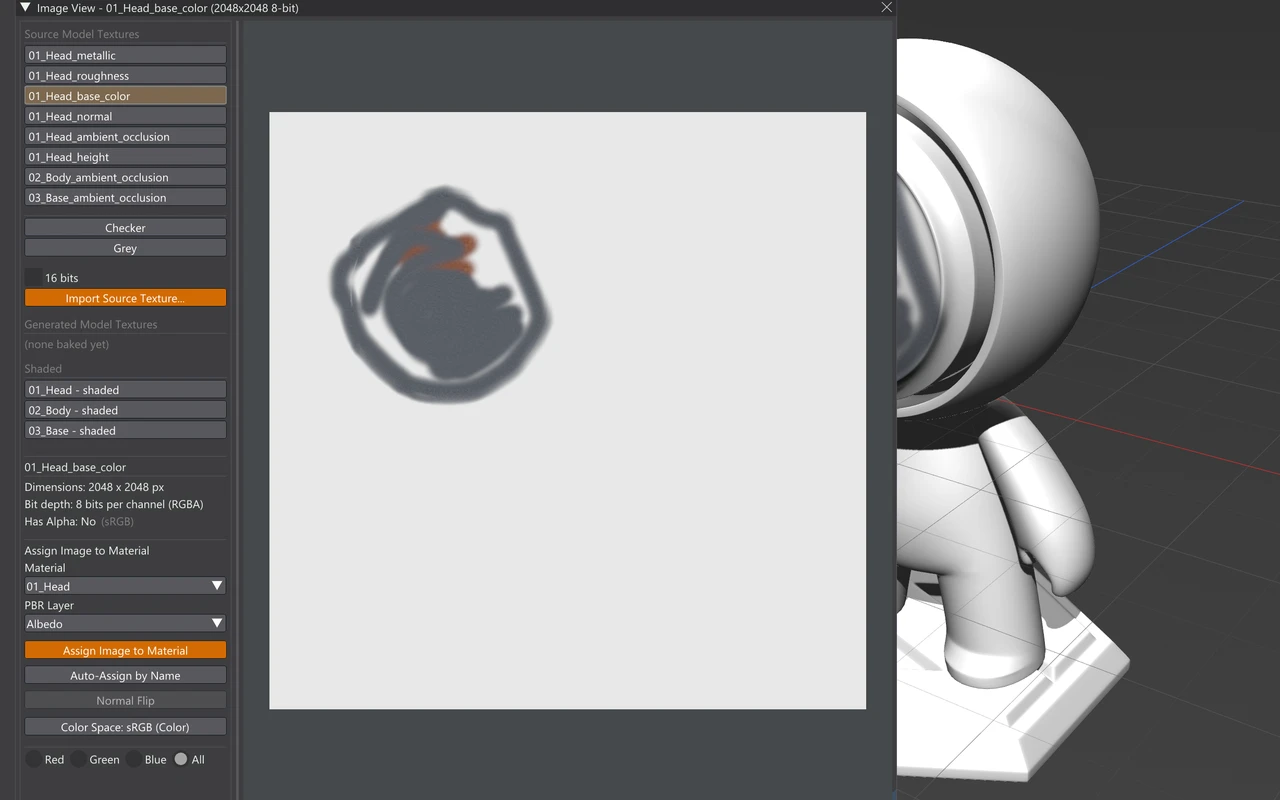
Once open, the model is a Loaded Mesh like any other, its textures on its materials: retopologize it, give the new topology a UV map, bake the textures onto it, paint, and export.
What does not come in
- The layer stack as layers. What comes in is the stack's result, as Painter saved it: there is no layer to switch off or edit, and Vertexix does not work the layers out again itself (Painter's procedurals need Adobe's engine). A texture set whose cache is empty although it has layers in Painter comes in with Painter's default material; the log names its layers and says they were not run.
- Texture sets with nothing at all. A texture set that has nothing in the project's cache and no baked maps comes in untextured, with the defaults above. The status line says so after loading, for example … Loaded in 0:03 -- 1 texture set(s) came without textures: the project's texture cache held none for them.
- The other baked mesh maps. Curvature, position, thickness, ID, world-space normals, height, bent normals and opacity baked in the project are not used: only the ambient occlusion and the normal map come in.
- Painter's other channels, beyond the eight listed above.
- Vertex colours and UV sets after the first.
With View > Create Log on, the log says, for each material, how many textures it got and whether its baked ambient occlusion and normal map came in, which texture sets had nothing painted, and each texture set's layers by name with what they hold (for example 'Layer 1' (3 paint stroke(s)); 'Fill layer 1' (fill: fabric_ripstop)). See Logs & Crash Reports.
Getting the full look
A project shows as Painter last saved it. If a texture set looks out of date, or shows only Painter's default material although it has layers, open the project in Painter and save it again; or export its textures from Painter and bring them into Vertexix as images: assign them to the model's materials in the Image Viewer (see Image Info & Assign to Material), or turn the exported folder into a node material with Smart Import, which recognises each map by its file name.
Smart materials and smart masks you saved in Painter (.spsm, .spmsk) can come across
too, as node presets: see
Smart Import.